1. Brief Description
This use case allows the user to enter the system through their user and password.
2. Actors
2.1 Administrator or Clinic Woker
3. Preconditions
The user must be registered in the system and can not be logged in.
4. Basic Flow of Events
- This use case begins when the user open the Login Page in the system.
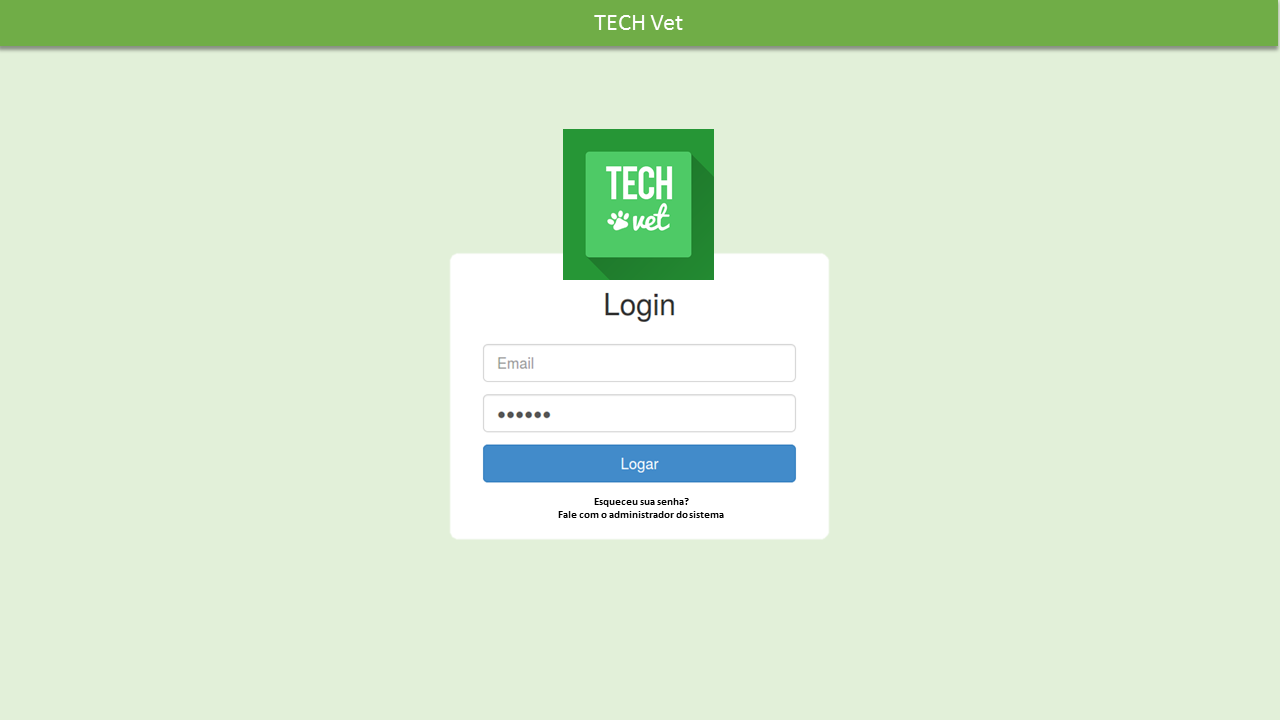
- The system shows sign in formulary with username field, password field and a captcha.
- The user fills his username and password.
- The user resolves the captcha.
- The system validates the captcha and enables the log in button.
- The user press the sign in button.
- The system validates the username and password.
- The system logs in the user.
5. Alternative Flow
5.1 Captcha not valid
If in the step 5 of the Basic Flow the user doesn’t resolve the captcha correctly:
- The user returns to the Step 4 of the Basic Flow and the system displays an error message.
5.2 Username invalid/not registered or password invalid
If in the step 7 of the Basic Flow the user doesn’t full fill the username and/or password correctly:
- The user returns to the Step 3 of the Basic Flow and the system displays an error message.
6. Post-conditions
6.1. Successful Completion
The user was successfully logged in the system and the system logs were successfully updated.
6.2. Failure Condition
The logs have been updated accordingly.
7. Special Requirements
[SR:C2UC6-1] - The System shall keep a log with the user that performed the sign in and the date and time of the sign in.
SR: Special Requirement.
8. Low Fidelity Prototype
8.1. Login Page
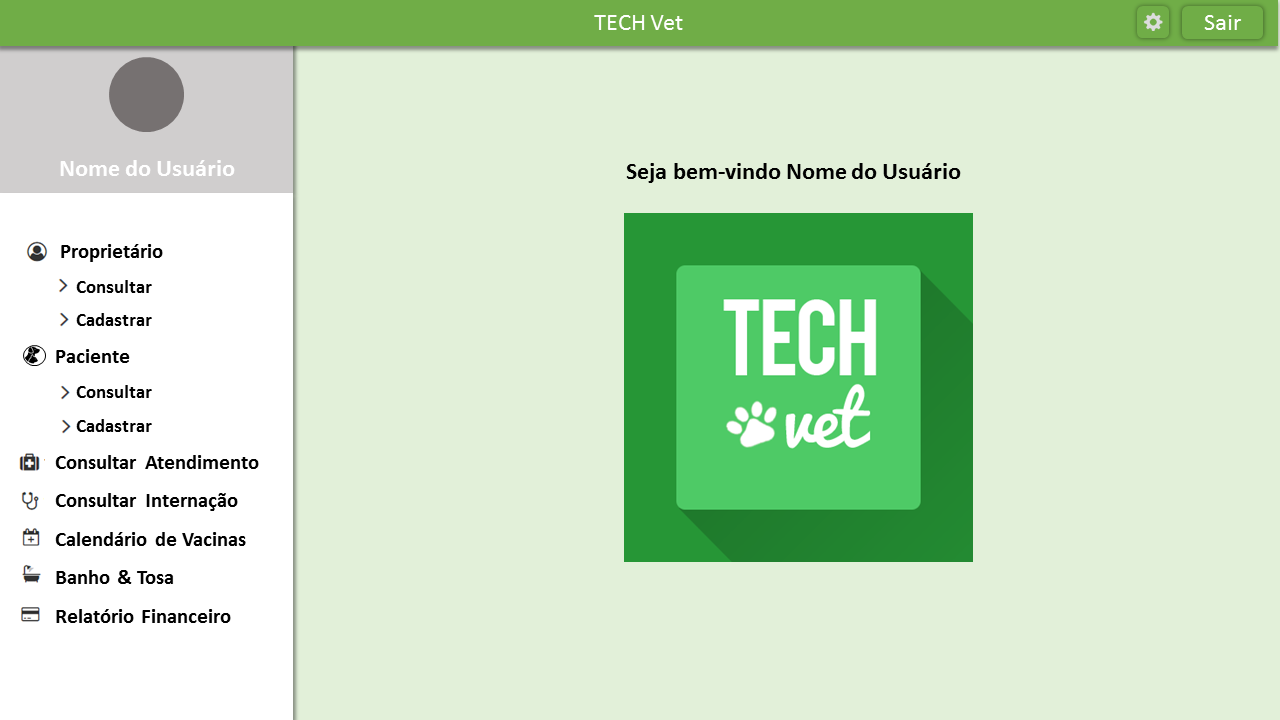
8.2. Home Page


1. Brief Description
This use case allows the user to enter the system through their user and password.
2. Actors
2.1 Administrator or Clinic Woker
3. Preconditions
The user must be registered in the system and can not be logged in.
4. Basic Flow of Events
5. Alternative Flow
5.1 Captcha not valid
If in the step 5 of the Basic Flow the user doesn’t resolve the captcha correctly:
5.2 Username invalid/not registered or password invalid
If in the step 7 of the Basic Flow the user doesn’t full fill the username and/or password correctly:
6. Post-conditions
6.1. Successful Completion
The user was successfully logged in the system and the system logs were successfully updated.
6.2. Failure Condition
The logs have been updated accordingly.
7. Special Requirements
[SR:C2UC6-1] - The System shall keep a log with the user that performed the sign in and the date and time of the sign in.
SR: Special Requirement.
8. Low Fidelity Prototype
8.1. Login Page
8.2. Home Page